With the rise of remote work, many Haverstraw, NY residents are discovering new freedoms—no longer bound by the traditional office commute, many people now work from their dining rooms, local cafes like 16 North, or even riverside parks overlooking the Hudson. However, this flexibility often comes at the cost of our posture and spinal health. If you’re struggling with neck pain, back stiffness, or fatigue after hours of working from home, you’re not alone. This guide shares actionable tips on how to improve posture while working from home, with insights tailored for life right here in Haverstraw.
Why Posture Matters—Especially at Home
Posture isn’t just about appearance—it has a direct impact on your energy, comfort, and long-term health. Sitting incorrectly can compress nerves, strain muscles, and lead to chronic pain. Small, repeated mistakes add up over time, especially when your "temporary" home office setup becomes a full-time workspace.
In Haverstraw, many residents embrace active weekend routines, enjoying hikes through High Tor State Park or kayaking on the Hudson. To make the most of these activities, maintaining good posture during work hours is essential to keep your body ready for adventure.
Common Posture Mistakes While Working from Home
Before we fix our habits, let’s identify common pitfalls:
- Perching on the edge of the couch or bed with a laptop
- Hunching over kitchen or dining tables not designed for office work
- Using laptops at low heights, causing the neck to pivot downward
- Working in poorly lit spaces, encouraging slouching
Many Haverstraw homes are charming but older, which can mean limited space for a dedicated office. That’s why posture-friendly habits should be easy to implement, no matter your living arrangement.
Ergonomic Tips for a Healthier Home Workspace
Setting up an ergonomic workspace doesn’t require expensive equipment. Try these practical adjustments to improve your posture and reduce discomfort:
- Chair Support: Use a chair with a straight back, ideally one that supports your lower (lumbar) spine. If you’re using a kitchen chair, roll up a towel and place it behind your lower back.
- Screen Height: Your screen should be at eye level, so you don’t tilt your head forward. Use sturdy books or a box under your monitor or laptop to raise it.
- Feet Position: Keep your feet flat on the ground or on a stable footrest. Avoid crossing your legs, which misaligns your hips and spine.
- Keyboard and Mouse Placement: Your elbows should rest at a 90-degree angle. Place your keyboard and mouse close so you aren’t reaching forward.
- Lighting: Make sure your workspace is well-lit to avoid leaning forward and squinting.
- Movement-Friendly Spaces: If the weather allows, take your laptop out to Emeline Park for short stints—just be mindful of your posture and take breaks to stand and stretch.
The 5-Minute Hourly Reset—Posture-Friendly Breaks
Haverstraw locals are no strangers to the value of movement, whether jogging along Riverside Avenue or taking the kids to Bowline Point Park. Channel this active spirit into your workday, even when indoors. Set a timer to remind yourself to stand up every hour, even if just for five minutes. Try these mini-break strategies:
- Stand and stretch your arms overhead to counteract spine compression.
- Gently roll your shoulders backward and forward to ease upper-back tension.
- Walk around your living space or up and down a flight of stairs.
- Do a set of calf raises or gentle lunges to activate your lower body.
Regular activity boosts energy and also helps your body remember what proper alignment should feel like.
Desk Exercises for Improved Posture
Sprinkle these simple exercises throughout your day—no special equipment required:
1. Chin Tucks: Gently draw your chin backward (like making a double chin) to align your neck and shoulders.
2. Shoulder Blade Squeezes: Sit or stand tall, and squeeze your shoulder blades together for five seconds. Release. Repeat ten times.
3. Seated Cat-Cow Stretch: While seated, alternate arching and rounding your back to open up the spine.
These can be done discretely during virtual meetings or while brainstorming your next work project.
Making the Most of Haverstraw’s Outdoors
One unique benefit of living in Haverstraw is easy access to scenic outdoor spaces. When you need a break, take a brisk walk along the Hudson River or through the downtown area. Natural movement—walking, swinging your arms, and turning your head to take in the views—does wonders for resetting your posture after hours at your desk.
Many remote workers find they return to their tasks refreshed and less achy after even a short stroll outside.
Long-Term Habits for Lasting Posture Improvements
Improving posture is a marathon, not a sprint. Here are long-term habits to adopt:
- Switch Positions Frequently: Stand for phone calls, sit for focus work, and walk for brainstorming sessions.
- Invest in Small Upgrades: Over time, consider ergonomic chairs, an adjustable desk, or external keyboards to improve posture.
- Mind Your Posture in All Activities: Carry good posture into other routines, such as commuting, watching TV, or reading. You’ll see overall gains.
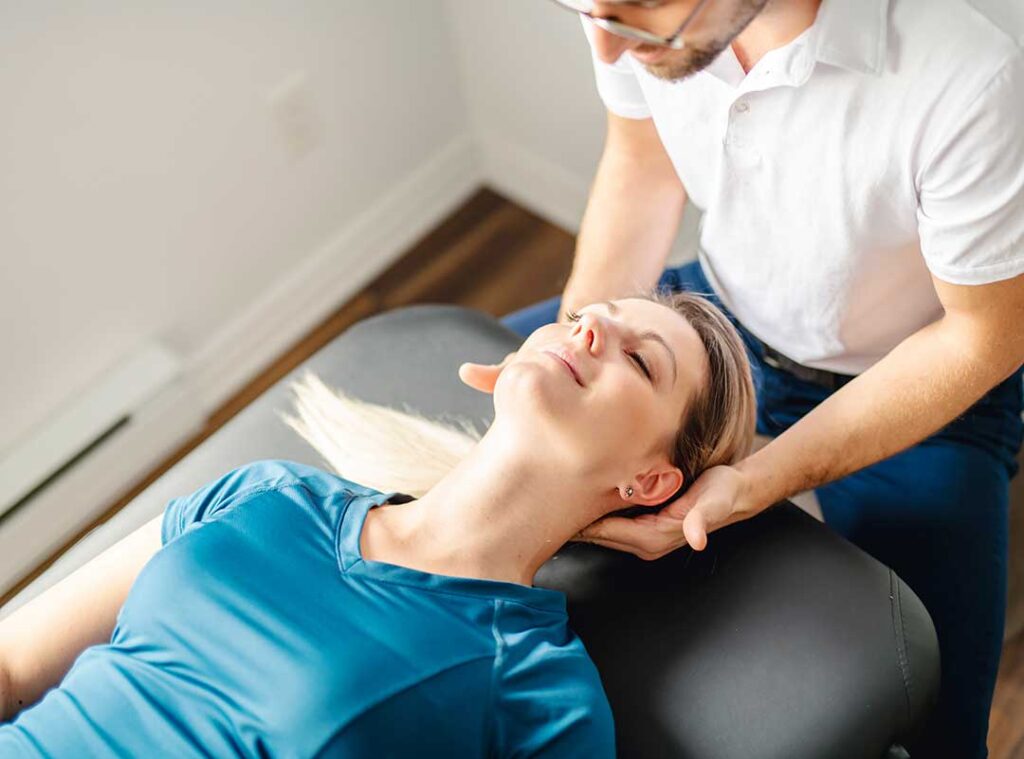
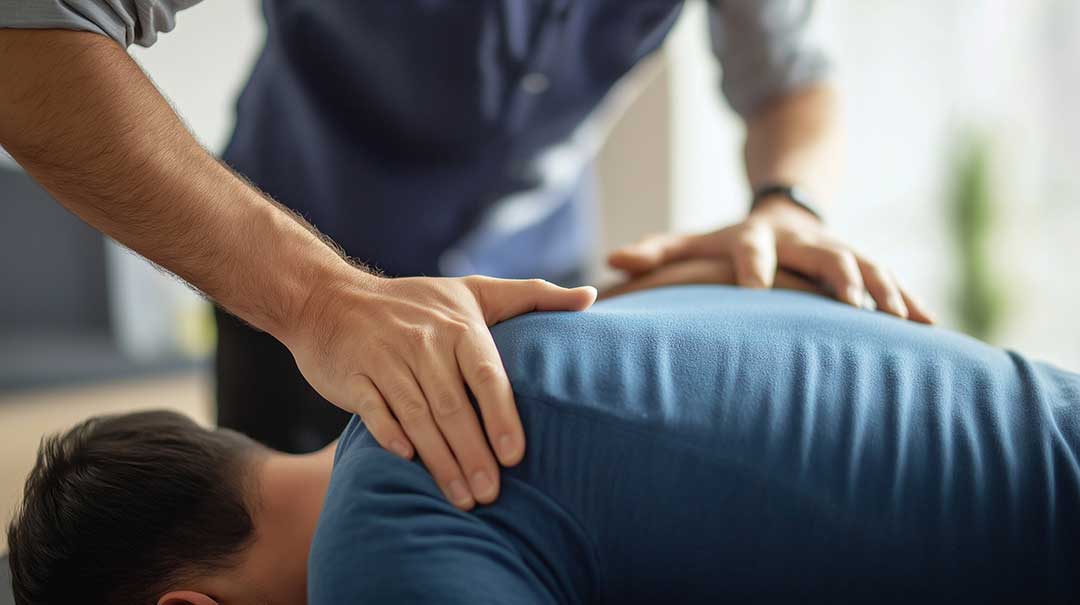
- Get Professional Support: If discomfort persists or posture issues worsen, consult a local chiropractor familiar with the Haverstraw community’s work and lifestyle demands.
Conclusion: Small Steps, Big Results
Good posture is within reach, even in the coziest Haverstraw home office. By making small, consistent adjustments to your work environment and daily habits, you can prevent discomfort, boost your productivity, and enjoy a more active local lifestyle. If you have ongoing concerns about posture or chronic pain, don’t hesitate to seek help from health professionals in the Haverstraw area.
Remember: the key is not perfection, but awareness and steady improvement. Here’s to working, living, and moving better—both at your desk and beyond!